> ## Documentation Index
> Fetch the complete documentation index at: https://cobalt-55-abhishek.mintlify.site/llms.txt
> Use this file to discover all available pages before exploring further.
# Connect
> Connect with the Linked Account's Workable account.
Workable is an **API Key** based integration and does not require the setup of an app.
### Required Credentials of a Linked Account
To successfully connect with the **Workable** integration, a Linked Account or an end-user will need to provide the following to connect:
1. Base URL
2. Access Token
To understand how a Linked Account can get the above mentioned credentials, refer [here](/applications/providers/workable#getting-credentials-of-workable).
### Getting Credentials of Workable
To acquire the required credentials and connect a Linked Account, please follow the steps mentioned below:
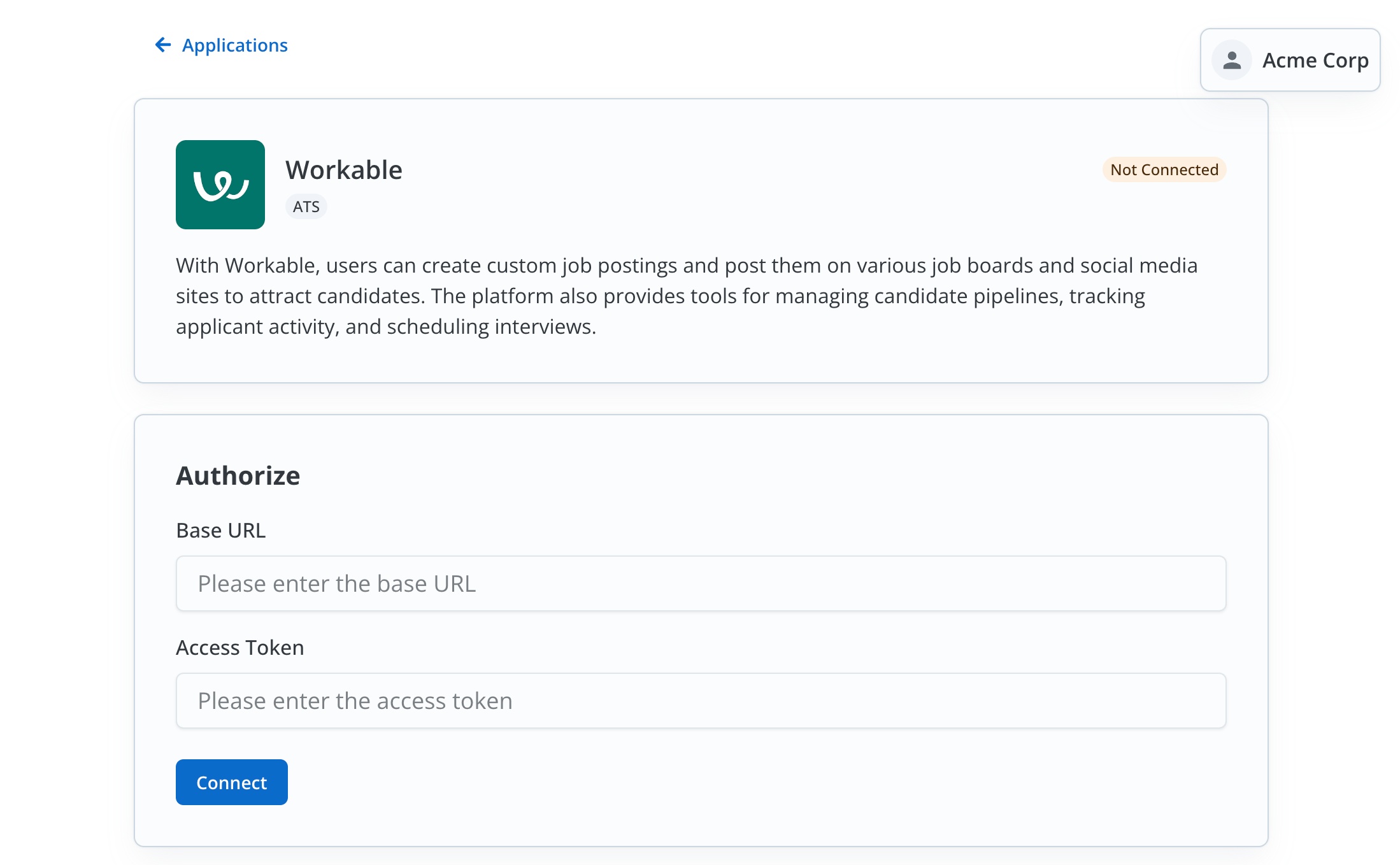 1. Log in to your Workable account and copy the **Base URL** of your account.
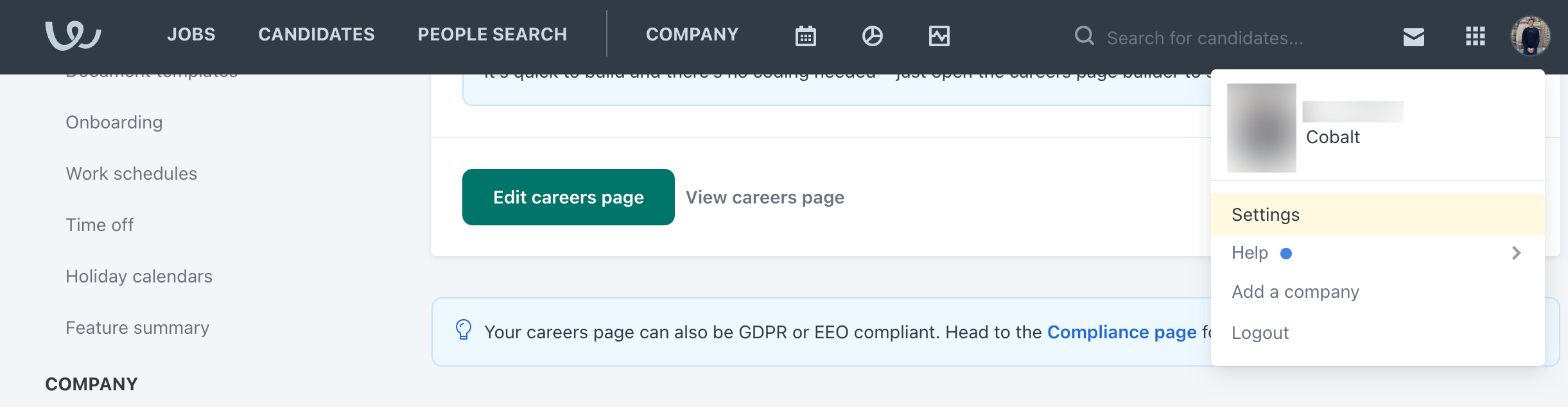
2. Click on the `Profile` icon in the top right and select `Settings`.
1. Log in to your Workable account and copy the **Base URL** of your account.
2. Click on the `Profile` icon in the top right and select `Settings`.
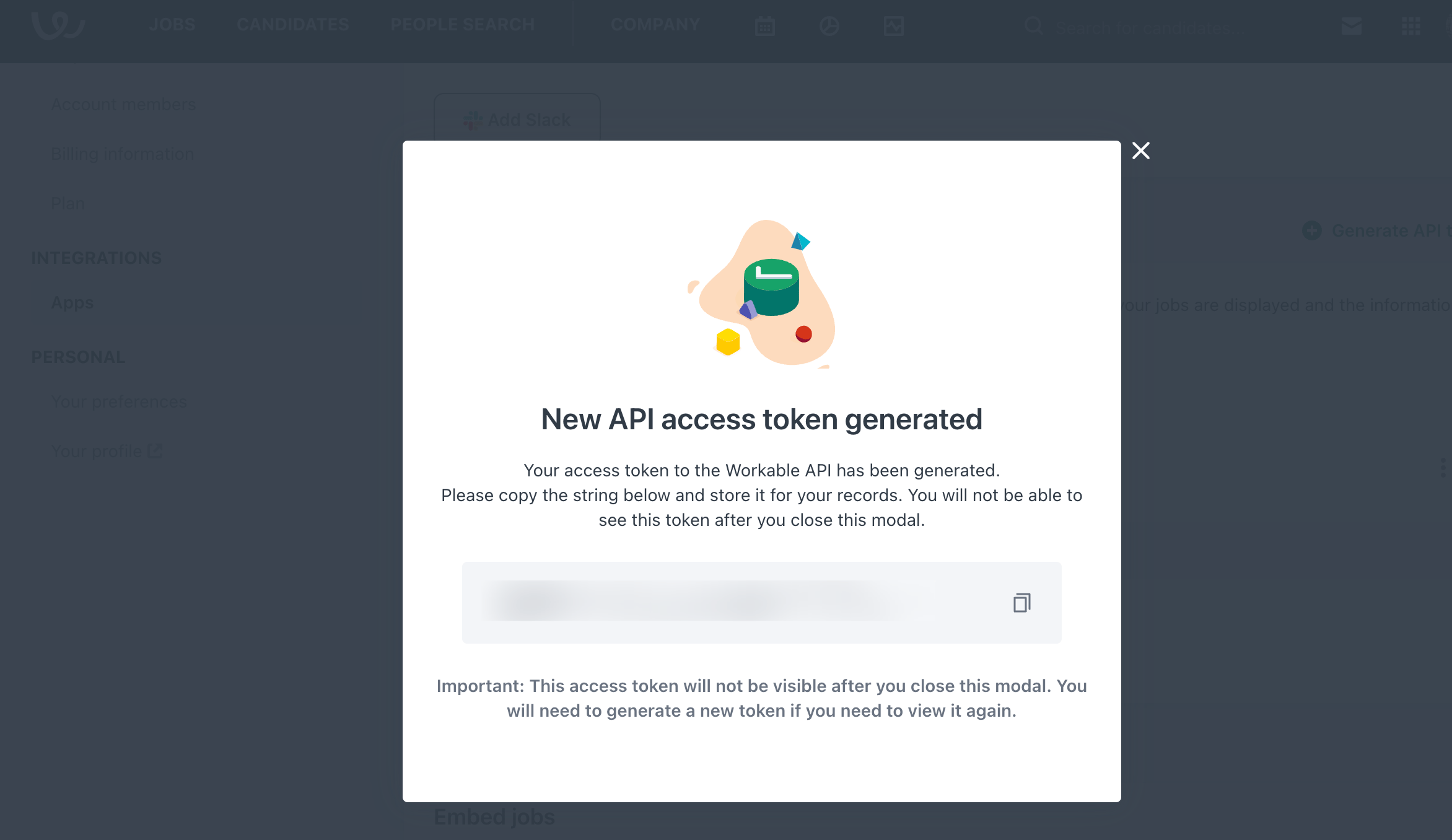
 3. Navigate to `Integrations` > `Apps` in the side menu > Scroll down to `API Access Tokens` section > Click on `Generate API Token` button.
4. Enter the `Name`, `Expiry` depending on your use case, select the `API Scopes` and click on `Generate Token`.
5. Copy the **Access Token** displayed.
3. Navigate to `Integrations` > `Apps` in the side menu > Scroll down to `API Access Tokens` section > Click on `Generate API Token` button.
4. Enter the `Name`, `Expiry` depending on your use case, select the `API Scopes` and click on `Generate Token`.
5. Copy the **Access Token** displayed.
 The Linked Account or end-user now have all the credentials required to connect with Workable.
#### Actions and triggers
In Refold, you can create orchestrations of your use-cases using Workable actions and triggers. Following are the set of Workable actions and triggers
supported by Refold.
1. **Create a Candidate** - Create a candidate in Workable.
2. **Create a Note/Comment** - Create a Note/Comment in Workable.
3. **HTTP Request** - Make HTTP API calls to any Workable documented REST APIs.
1. **Candidate created** - Triggers when a candidate is created in Workable.
2. **Candidate stage changed** - Triggers when a candidate is updated in Workable.
The Linked Account or end-user now have all the credentials required to connect with Workable.
#### Actions and triggers
In Refold, you can create orchestrations of your use-cases using Workable actions and triggers. Following are the set of Workable actions and triggers
supported by Refold.
1. **Create a Candidate** - Create a candidate in Workable.
2. **Create a Note/Comment** - Create a Note/Comment in Workable.
3. **HTTP Request** - Make HTTP API calls to any Workable documented REST APIs.
1. **Candidate created** - Triggers when a candidate is created in Workable.
2. **Candidate stage changed** - Triggers when a candidate is updated in Workable.